![SPRII-udenR_logo-orange+dark.png]](https://help.sprii.io/hs-fs/hubfs/SPRII-udenR_logo-orange+dark.png?height=40&name=SPRII-udenR_logo-orange+dark.png)
Last updated: January 2026
Applies to: Business subscriptions
Category: Automate your setup
How does it do it?
The InstaSprii plugin makes going live on Instagram super simple! It works by setting up a virtual assistant on a dedicated server. This assistant takes care of starting your Instagram broadcast whenever you're streaming through the Sprii. The best part? You don’t need to do a thing—just start your stream, and InstaSprii will handle the rest.
Disclaimer
We'd like to share some important information about the InstaSprii plugin:
-
Remote Desktop Connection: Our plugin utilizes a dedicated remote server to manage your automated stream setup from Sprii to Instagram. You’ll control the activation between Instagram and Sprii through a remote desktop solution.
-
Login Alerts: You may receive notifications from Instagram indicating a login from a different location due to the remote desktop connection. This is completely normal when using our tool.
-
Security and Privacy: Your security and privacy are our top priorities. Your Instagram credentials are not stored, meaning no one else has access to them.
- Reconnection Requirement: If InstaSprii is not used for 90 days, you will need to reconnect the plugin to resume its functionality. This is necessary for security purposes and to optimize server capacity.
How to activate the InstaSprii plugin
-
Go to Page settings
-
Click on Plugins
-
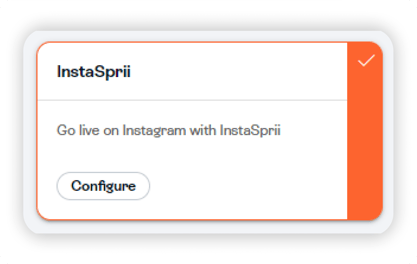
Find InstaSprii in the list
-
Click “Connect to InstaSprii”
-
Wait 1–2 minutes while the plugin prepares
-
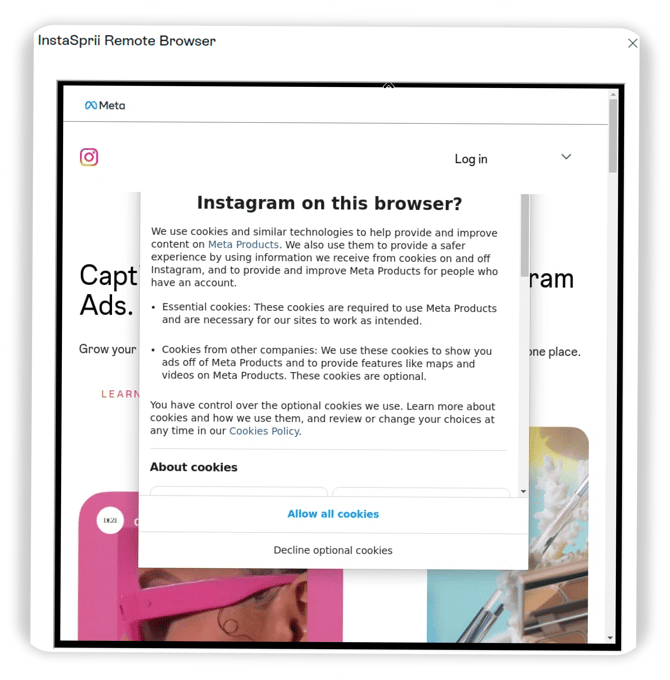
When connected to the remote browser:
-
Accept Instagram cookies
-
Continue to log in
-
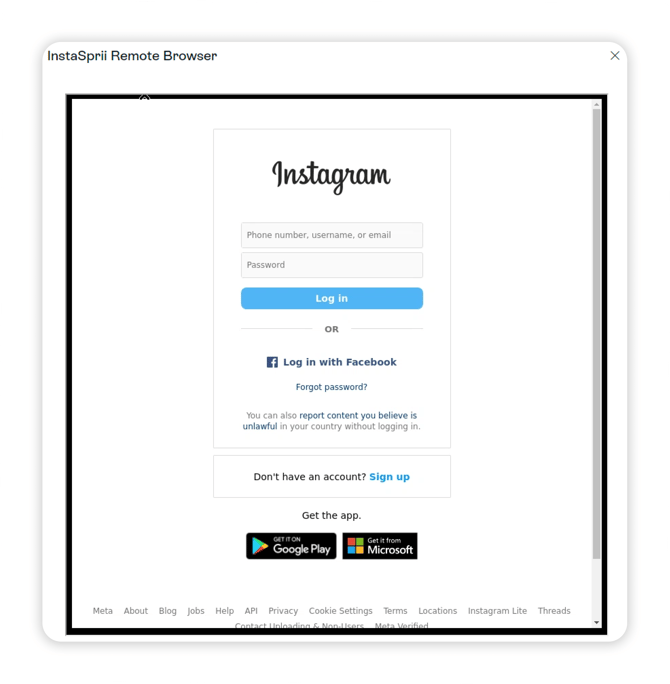
Enter your credentials for your Instagram page. This includes your username and password associated with your Instagram account.
If you have enabled two-factor authentication on your account, you will also need to provide the verification code sent to your registered device. Once you have entered all required credentials, the InstaSprii plugin will securely log you into your Instagram account, allowing you to seamlessly integrate your live streaming experience with the Sprii Host app.
Tip
If you encounter any issues during the activation process, please check for any prompts in your app or in the Instagram Account Center where you are currently logged in. These prompts may require your attention before you can continue with the setup.
Once the login is complete the browser will automatically close and the plugin has now been succesfully set up.