![SPRII-udenR_logo-orange+dark.png]](https://help.sprii.io/hs-fs/hubfs/SPRII-udenR_logo-orange+dark.png?height=40&name=SPRII-udenR_logo-orange+dark.png)
YOU WILL LEARN
How to connect your Instagram account to InstaSprii for multistreaming from the Sprii Host App to Facebook and Instagram at the same time. InstaSprii starts and stops the Instagram live show with your Sprii stream.
BEFORE YOU START
- An Instagram account connected to your Facebook Page and visible in Sprii. See Connect Meta to Sprii.
- Your Instagram sign-in details, and the phone or app you use for two-factor authentication
Set up InstaSprii
- In Sprii, go to Page settings
 > Plugins
- Find InstaSprii and click Configure.
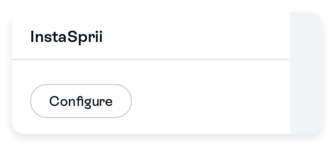
- If the plugin is inactive, click Activate plugin

Read and accept the Terms of use.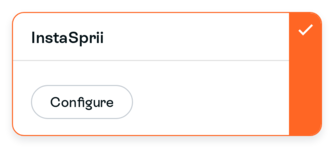
- Click Connect to InstaSprii.
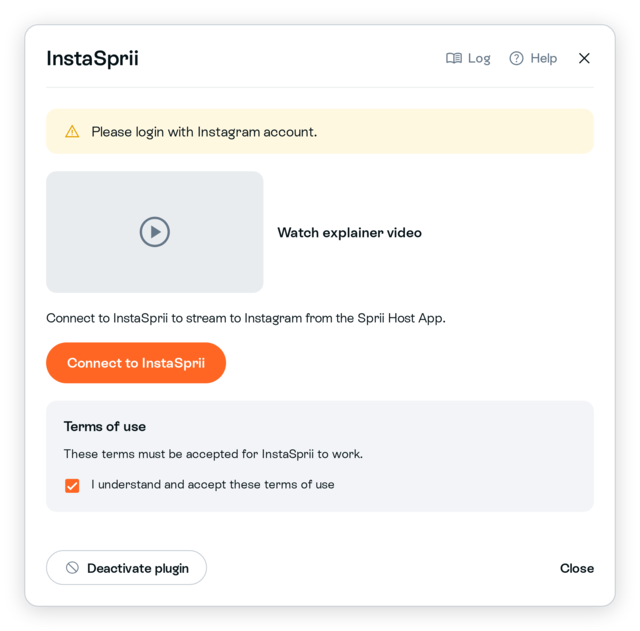
- Wait about one to two minutes while the managed remote browser prepares.
- In the remote browser, respond to Instagram's cookie prompt if shown.
- Sign in to Instagram.
- Complete any Instagram or Meta prompts, including two-factor authentication.
The remote login view closes after you sign in. Sprii keeps the signed-in session so it can run your live shows.
Sprii then checks the connection automatically without posting on Instagram. Wait for InstaSprii is ready to stream before using it. If the check fails, resolve the error shown.
The connection is for this Sprii Page. In each campaign you want to stream, open Streaming and select the Instagram row for your linked account without a settings gear. The row with the gear is the manual Instagram Producer destination. Connecting the Page does not change an existing campaign’s destination choice.
Limitations
Important: Never send your Instagram password to anyone at Sprii. Sprii does not store it and Support does not need it.
- Instagram can send a login alert, because you sign in through a managed remote browser. Instagram owns that alert and its login prompts.
- Some keyboard layouts and special characters do not work as expected in the remote browser.
- After 90 unused days, you have to reconnect InstaSprii.
- InstaSprii and Instagram Producer cannot both be selected for the same campaign. See Stream to Instagram from Sprii.
- InstaSprii is available only when enabled for your Page.
Need help? Contact Sprii Support