![SPRII-udenR_logo-orange+dark.png]](https://help.sprii.io/hs-fs/hubfs/SPRII-udenR_logo-orange+dark.png?height=40&name=SPRII-udenR_logo-orange+dark.png)
Sprii ignores comments written by the connected Instagram business account. A test comment from that account will not trigger a private reply. Instagram's message-access setting is another possible cause; enabling it does not guarantee delivery to every recipient.
Test from another account
For a comment-based test, use an Instagram account other than the business account connected to Sprii. Repeat the failed action and check that account's messages, including message requests.
Check Instagram's message access
- In Instagram's profile menu, open Messages and story replies > Message requests.
- Under Connected tools, turn on Allow access to messages. See Instagram's message-access instructions.
- Repeat the test from the other account.
This is an Instagram permission. Sprii does not check the exact toggle before every message, and Meta still controls recipient eligibility and delivery.
If Instagram also looks disconnected
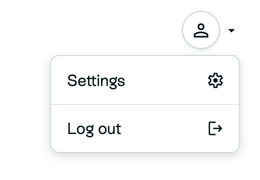
- In Sprii, open the top-right profile menu, then go to Settings > Accounts and check the intended Facebook Page and its linked Instagram account.

- Open the account row's menu, choose Renew Meta Permissions
 and complete the Meta permission steps in Connect Meta to Sprii. Then return to Accounts.
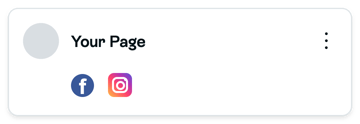
- Open the account menu again and click Refresh pages. Check that the intended Page appears. For an available gray Page, choose Activate if it has no subscription or Connect if it already has one, then complete any onboarding. A missing Page still needs the connection steps above.
- Select the intended connected Page, then repeat the message test from the other account.
Refresh pages is the account action. The Page card's own Refresh action applies to that Page, while Refresh token belongs to the separate invalid-token recovery.
If Sprii reports Your token is invalid, follow Fix "Your token is invalid", then test again.
Need help? Contact Sprii Support